AI Workflow
NBBJ
A generative AI workflow that helps architects visualize designs faster
Architectural rendering is slow at exactly the moment a team most needs to iterate. I built a generative AI workflow that turned a sketch model into a presentable render in seconds, and other architects in the studio adopted it.
- Timeline
- 2023
- Tools
- ComfyUI, Automatic1111, Stable Diffusion, ControlNet, LoRA, TouchDesigner
- Role
- Experience Design Intern, NBBJ ESI Studio
- Team
- Lifei Wang · NBBJ ESI Studio
- Skills
- GenAI Pipeline Design, LoRA Training, Architectural Visualization, Installation Support
Context
In the summer of 2023 I was an experience design intern at NBBJ's ESI Studio, which builds interactive, technology-driven experiences. My summer had two halves, and together they show what it takes to bring new technology into a design studio. In one I put generative AI into the rendering process. In the other I helped ship a permanent installation. This case study covers both.
AI Rendering Workflow
A sketch model went in, and a presentable render came out in seconds instead of hours.
01. The problem
Our intern team was reimagining part of an existing NBBJ project, and the review deadline left no room for the polished renders a design review needs. Traditional rendering is a days-long pipeline: you detail the 3D model, apply materials one by one, set up lighting, then wait hours for the render — and repeat all of it for every design change.
This was 2023, when AI image generation was just taking off. The raw models were too unpredictable to render architecture faithfully, but I knew there were emerging techniques to constrain them. So I set out to prove a faster path: feed the AI our rough sketch models and let it do the rendering.
02. Solution, part 1: teaching the AI our style
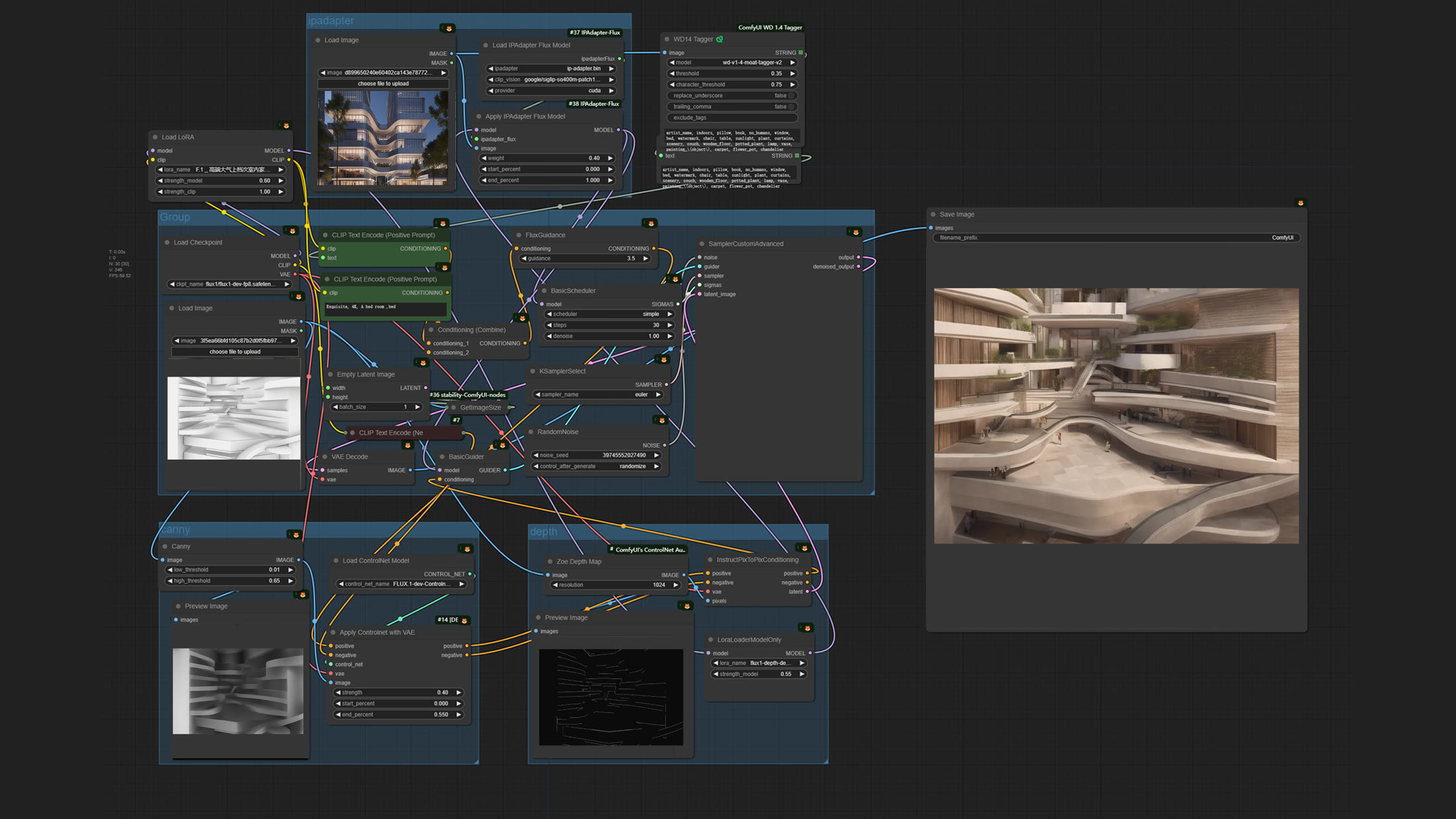
The studio had a powerful GPU workstation that could run around the clock, so I kept it busy training my own LoRA models. A LoRA is a lightweight add-on that teaches an image model a specific visual style from a small set of example images, without retraining the whole model — which meant I could give every render a consistent, on-brand look. I ran generation in ComfyUI, a node-based tool where the entire workflow is visible end to end and reusable by anyone on the team.
03. Solution, part 2: keeping the render true to the design
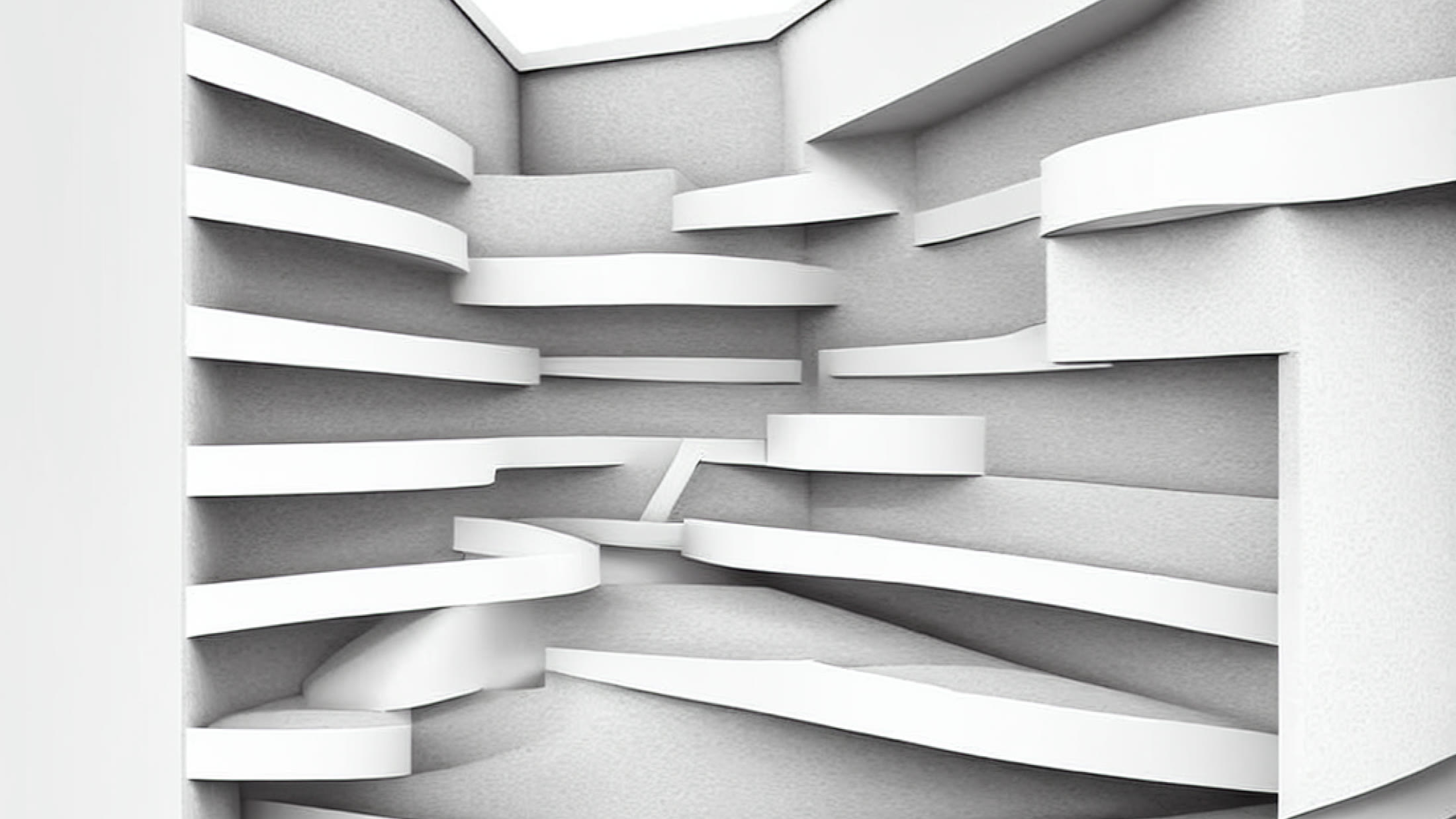
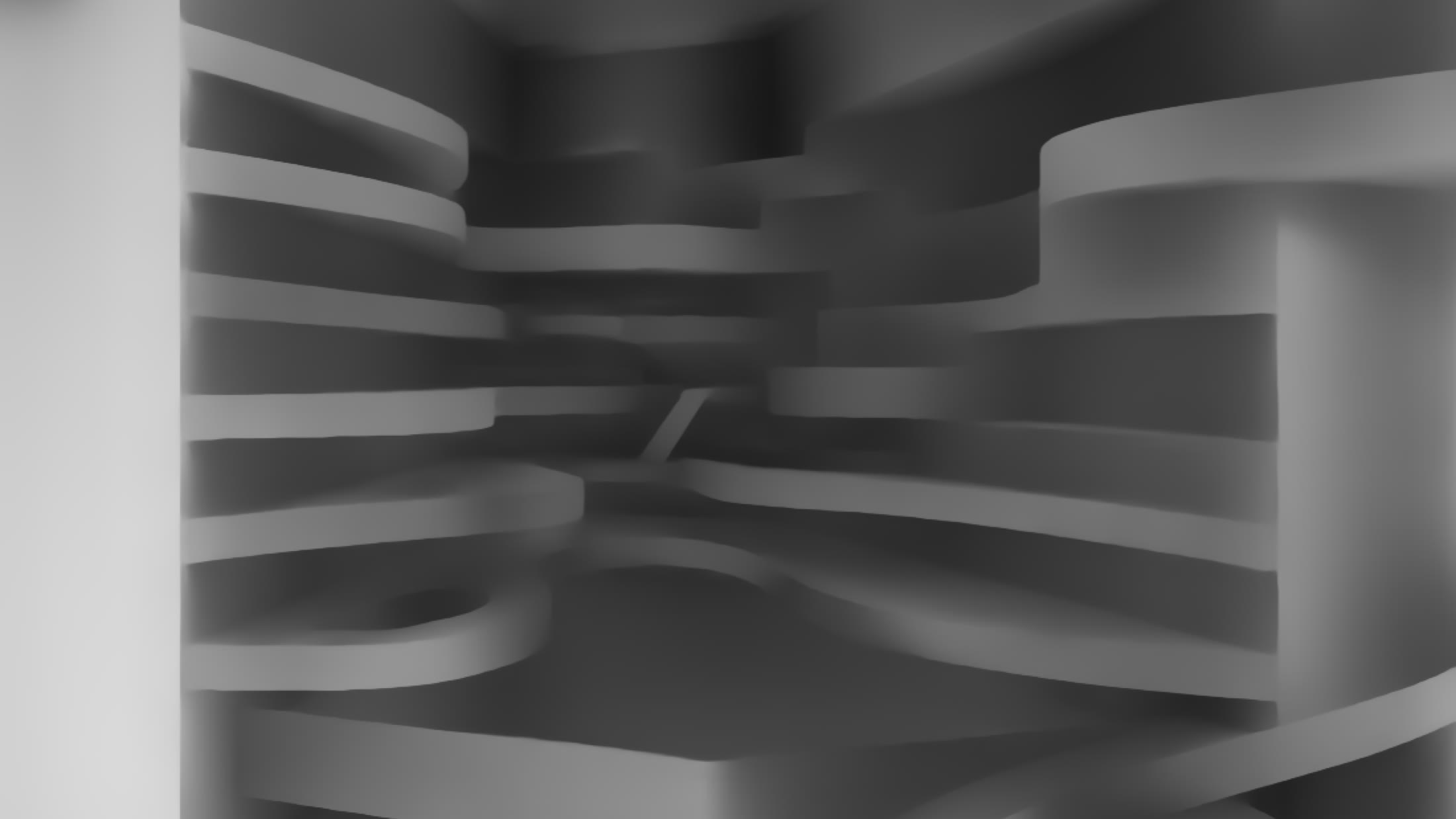
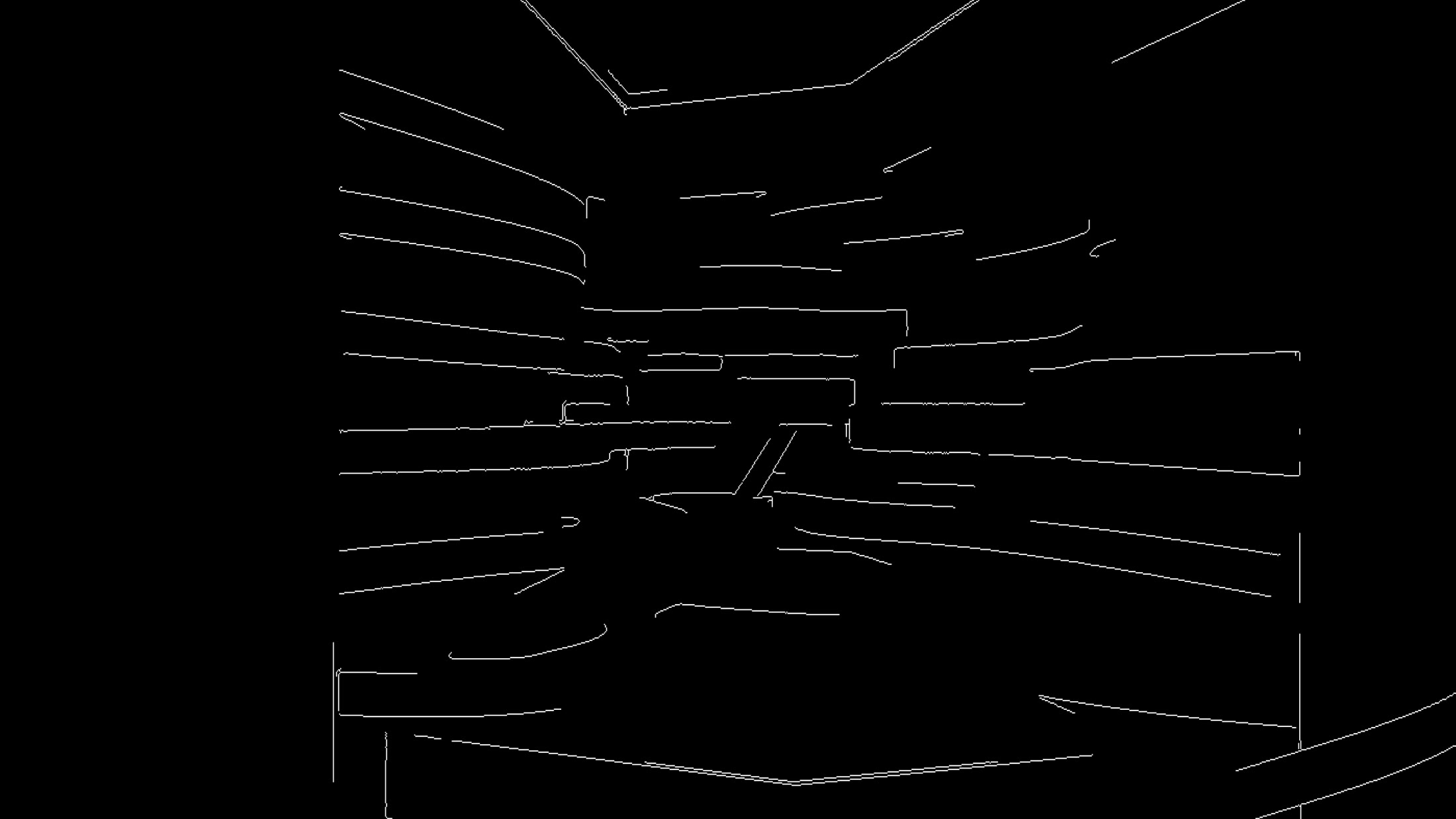
The other half was fidelity. Left alone, a 2023 image model would invent a building that merely looked similar to ours. ControlNet solved that: it reads the outlines and depth of an input image and forces the generation to follow that geometry. I fed in a screenshot of a bare sketch model, and the render matched the massing we actually designed.
04. The result
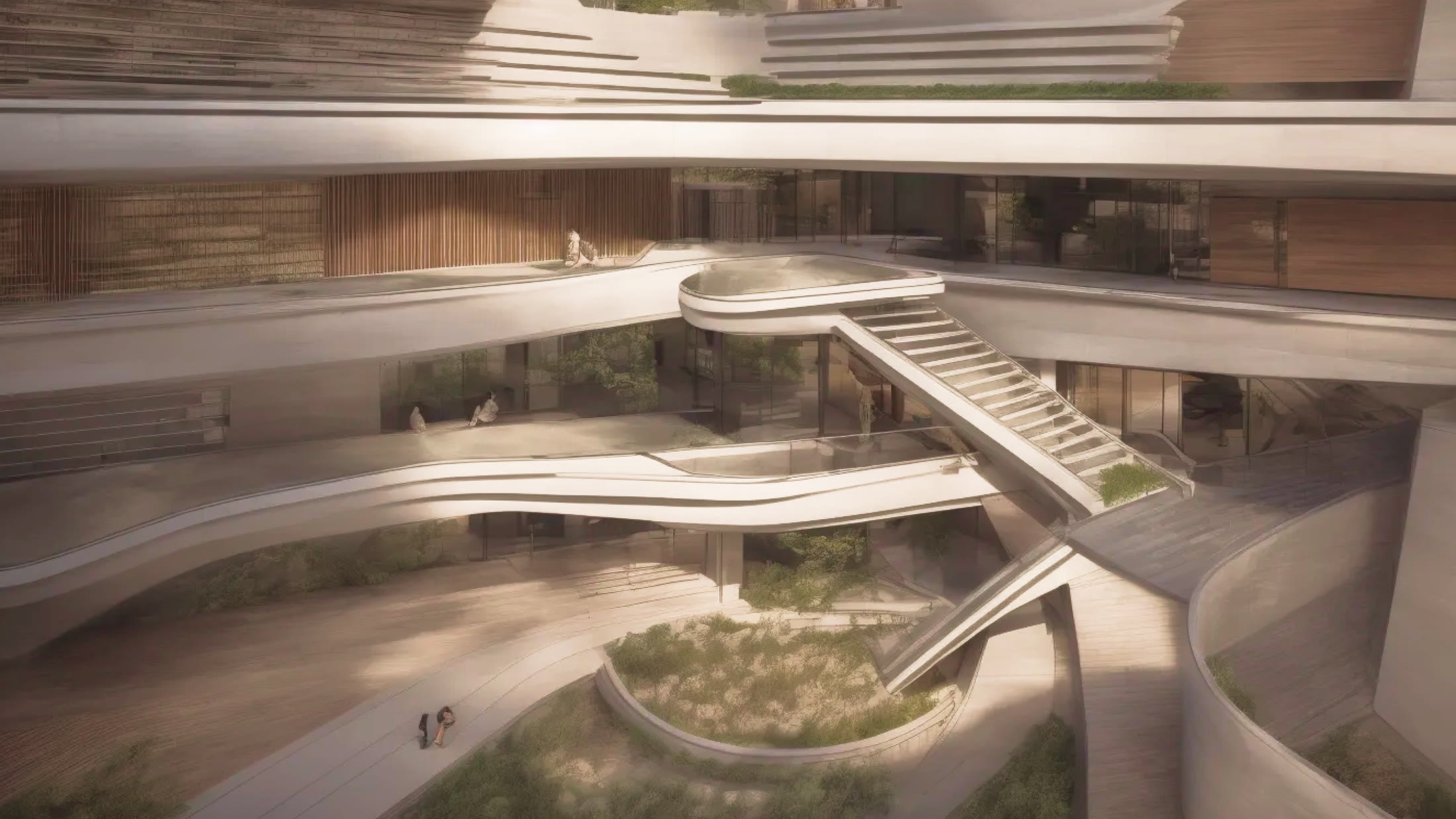
A plain white massing model became a warm, inhabited render in seconds, in whatever style a LoRA was trained on — photoreal, futuristic, or hand-illustrated. These weren't final construction images; they were fast, convincing references that let us explore look and feel without spending days refining the 3D model first.
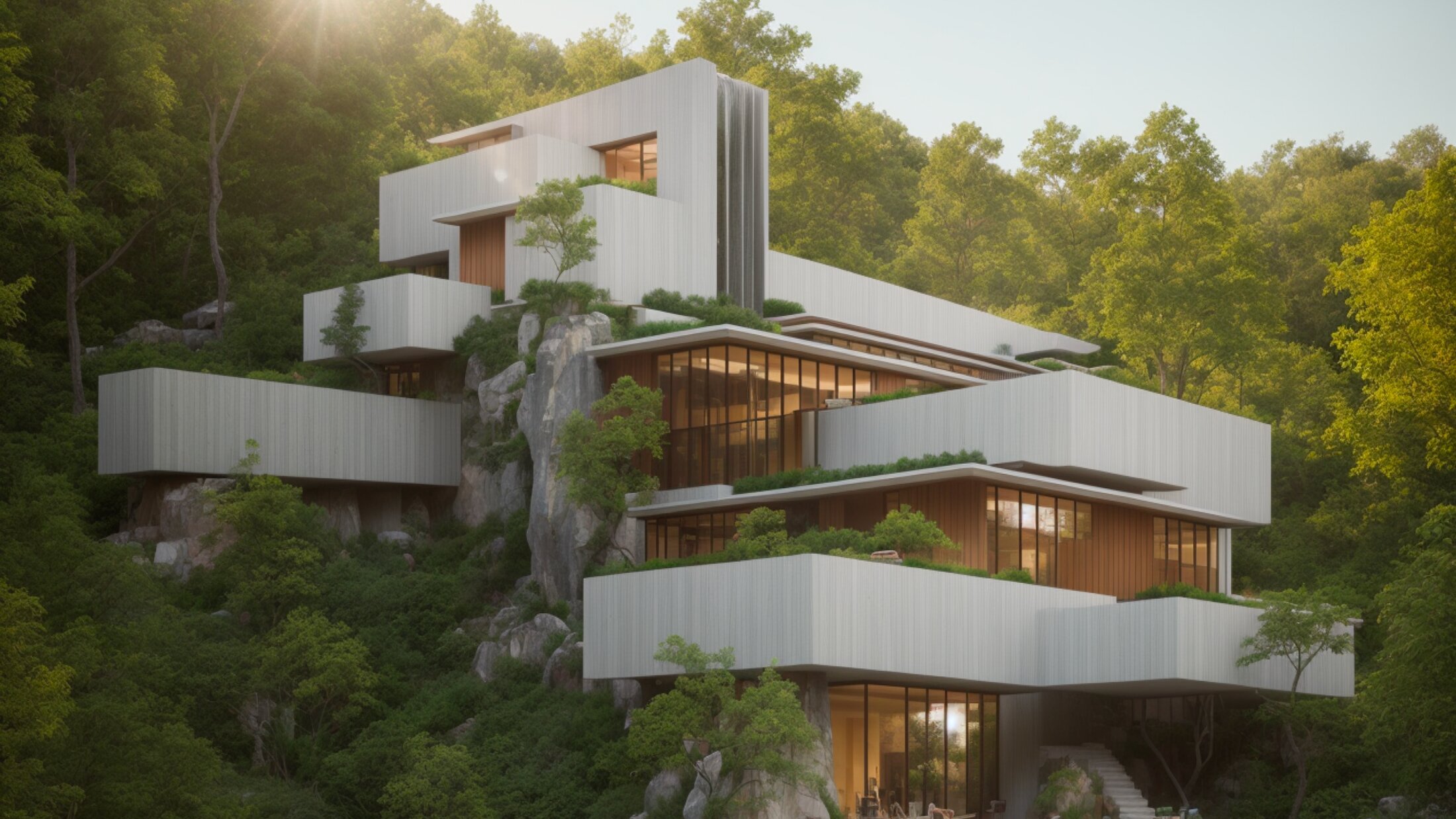
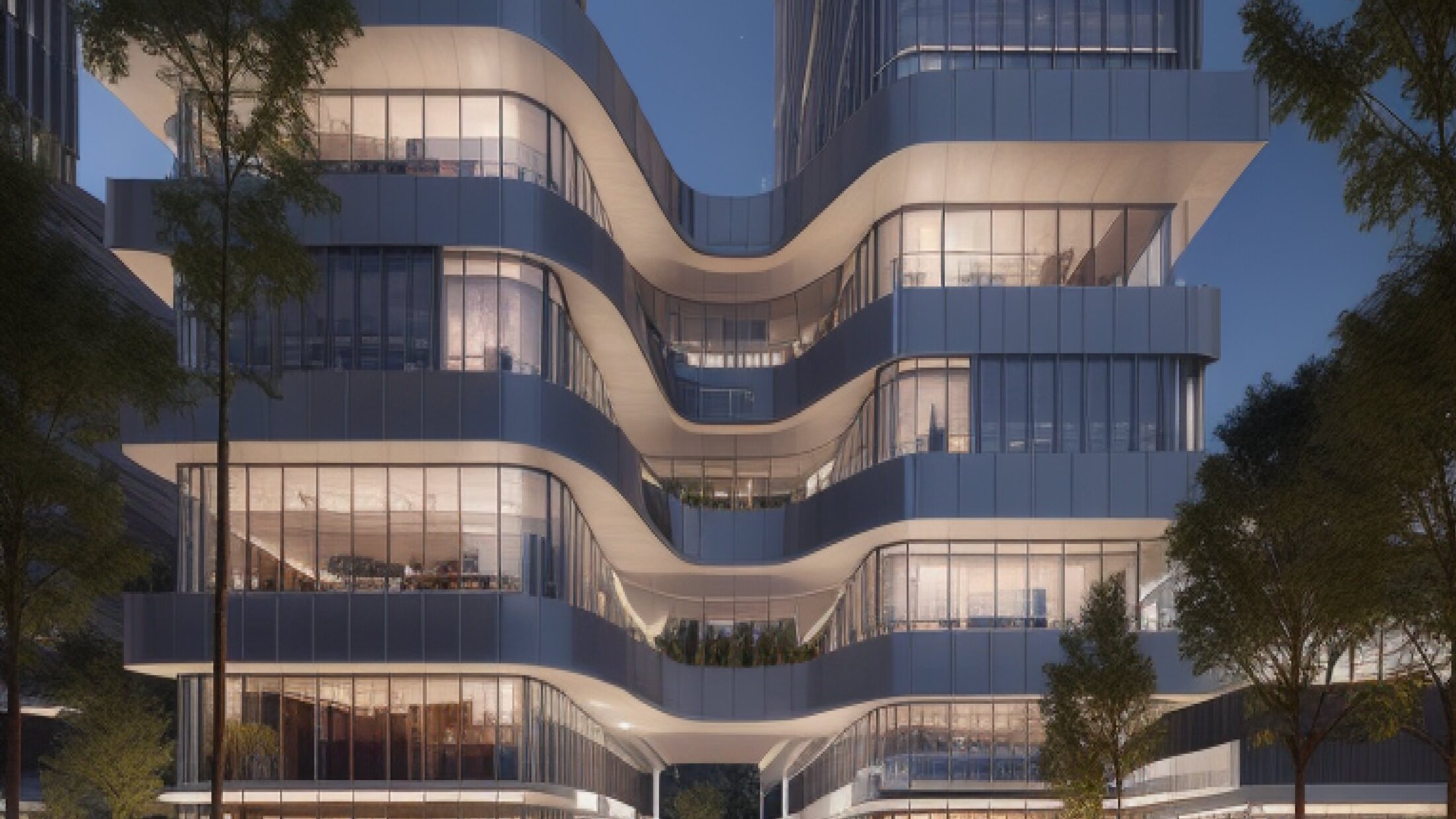
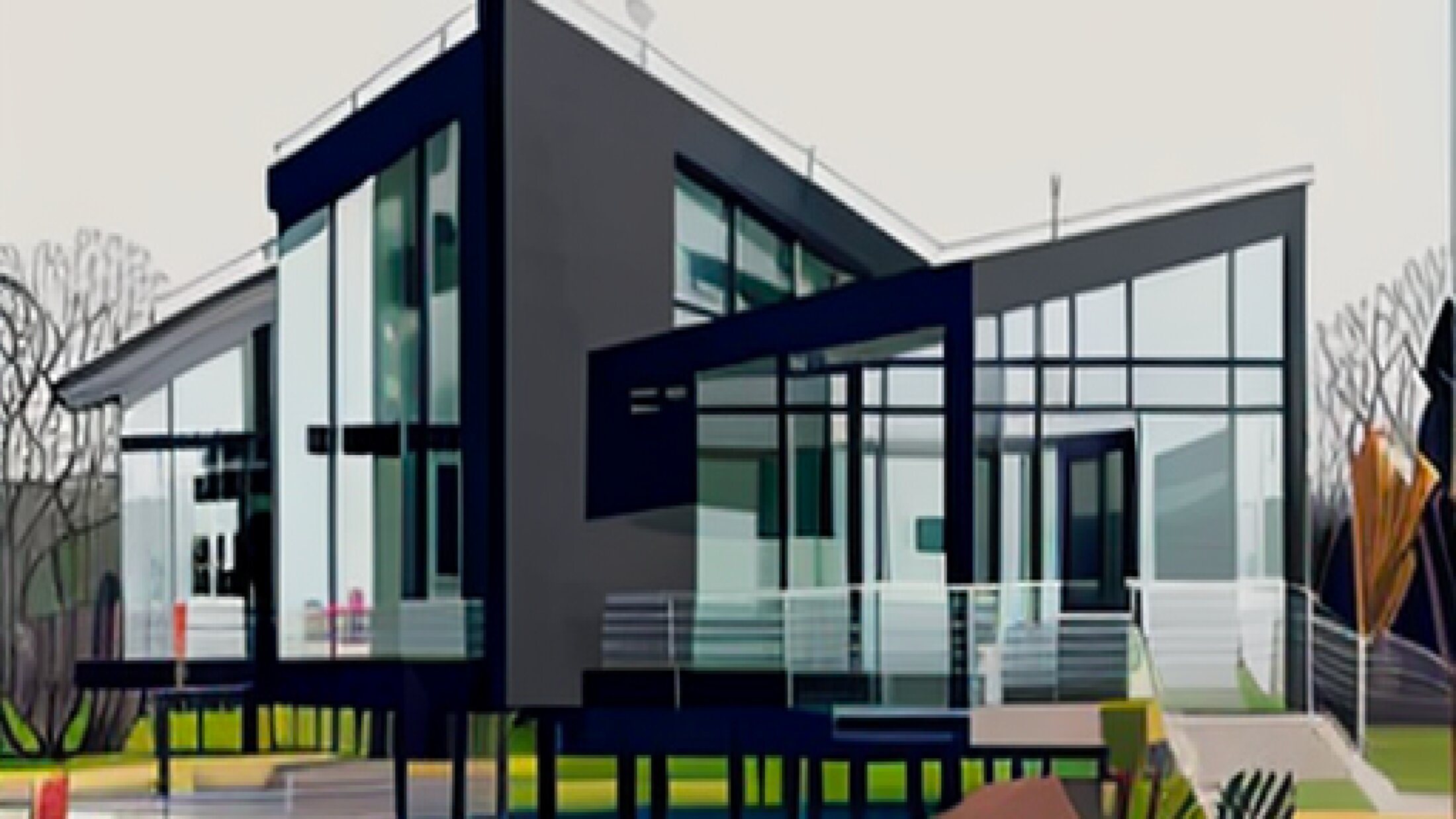
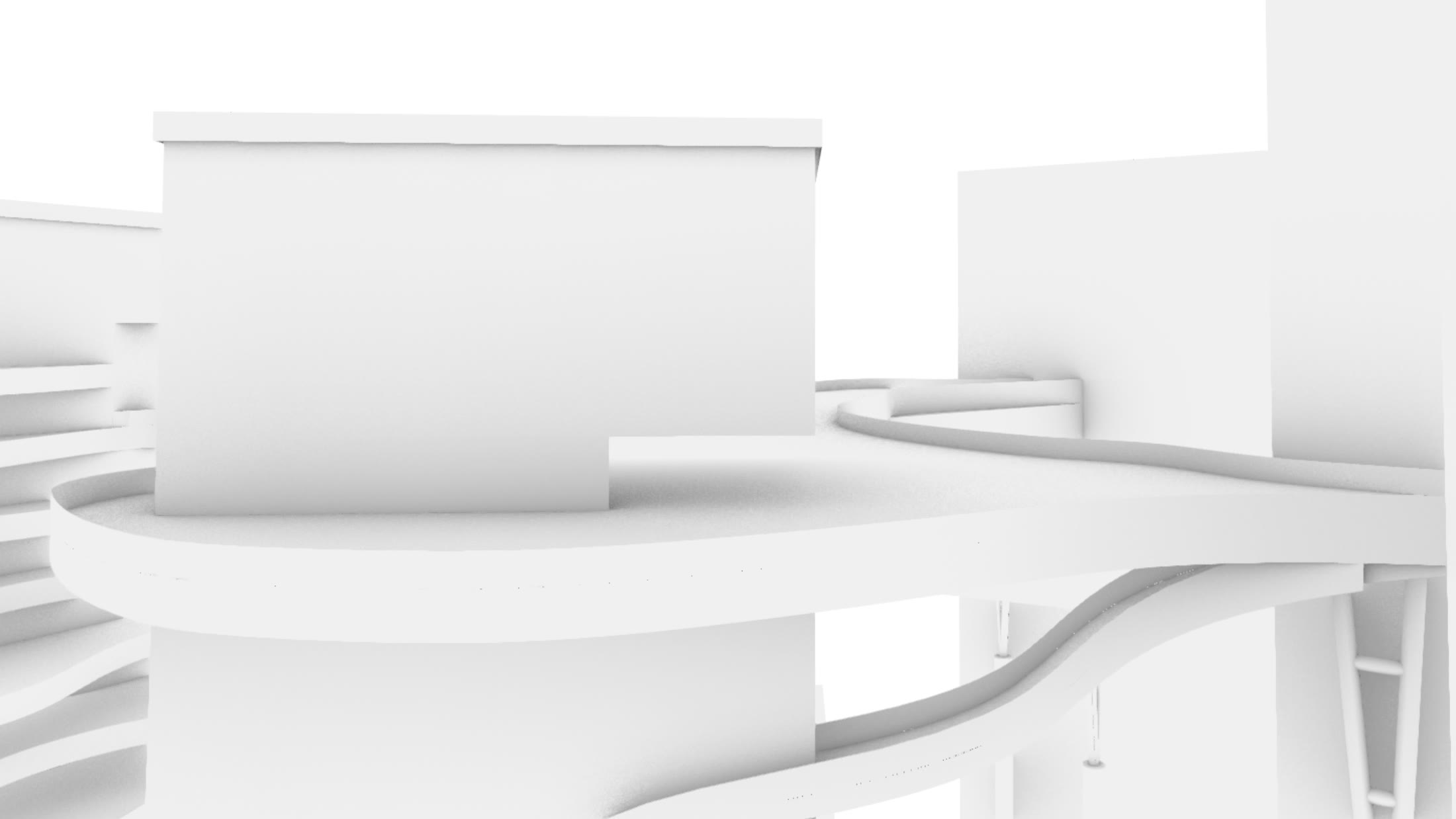
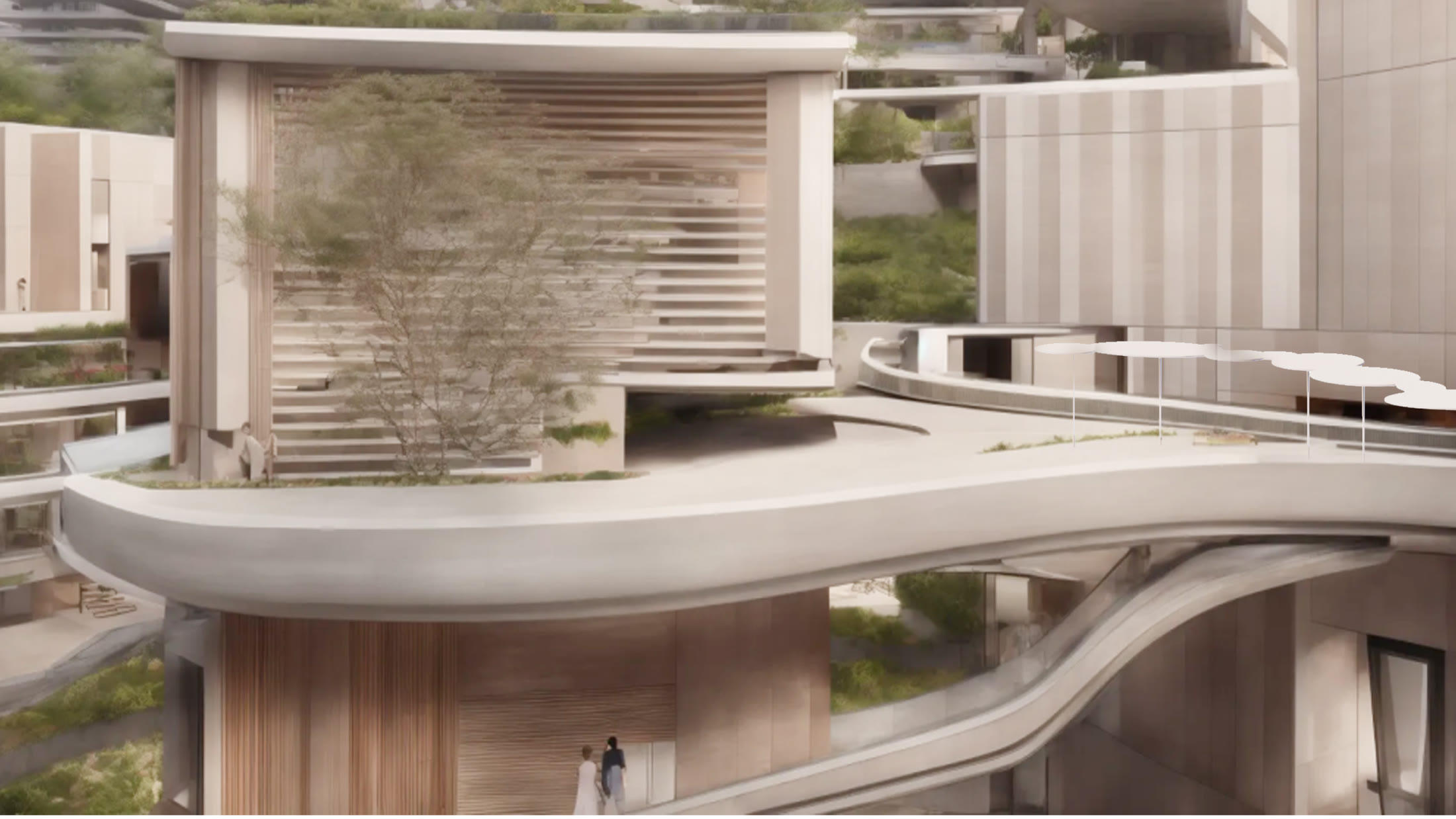
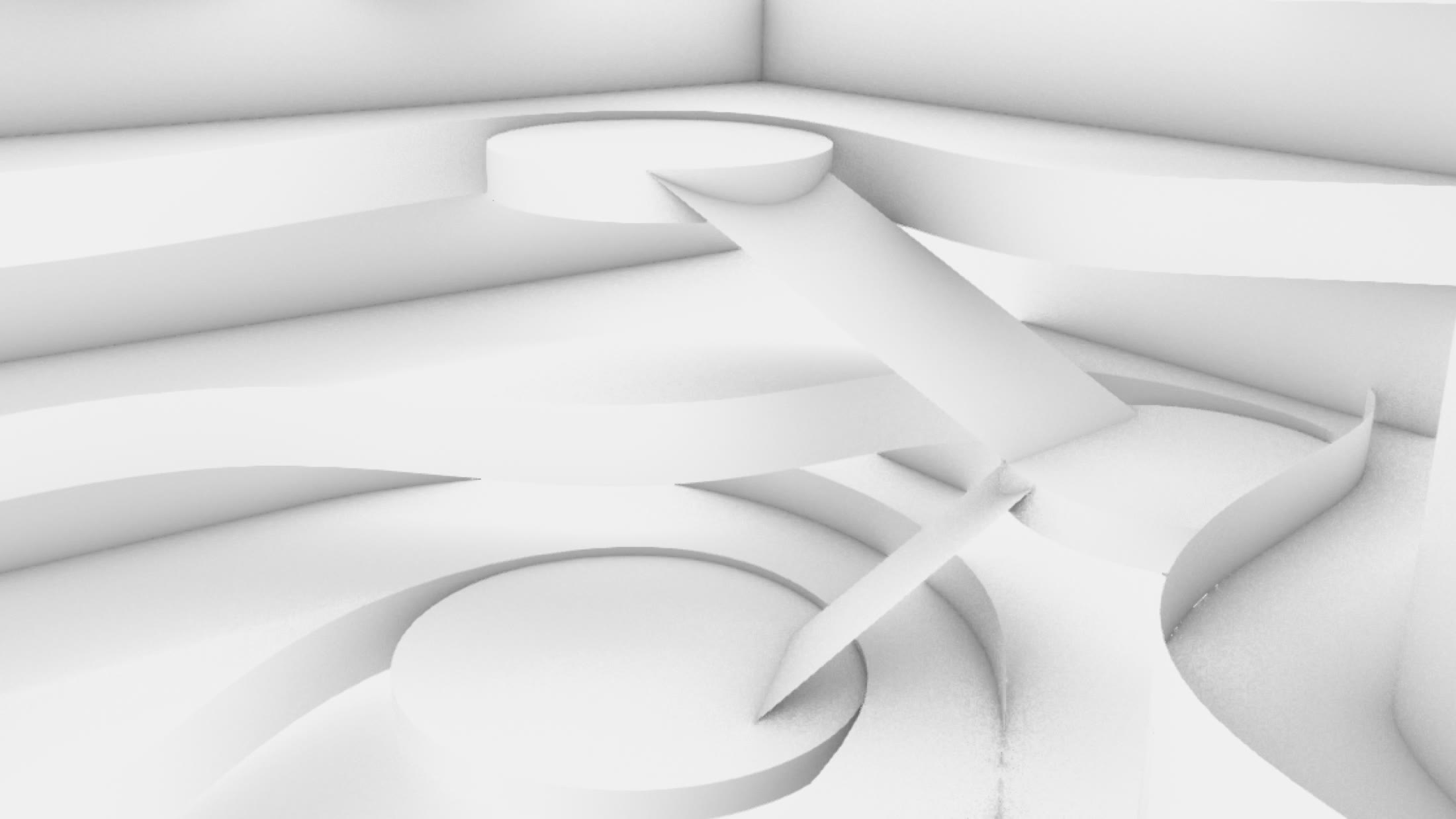
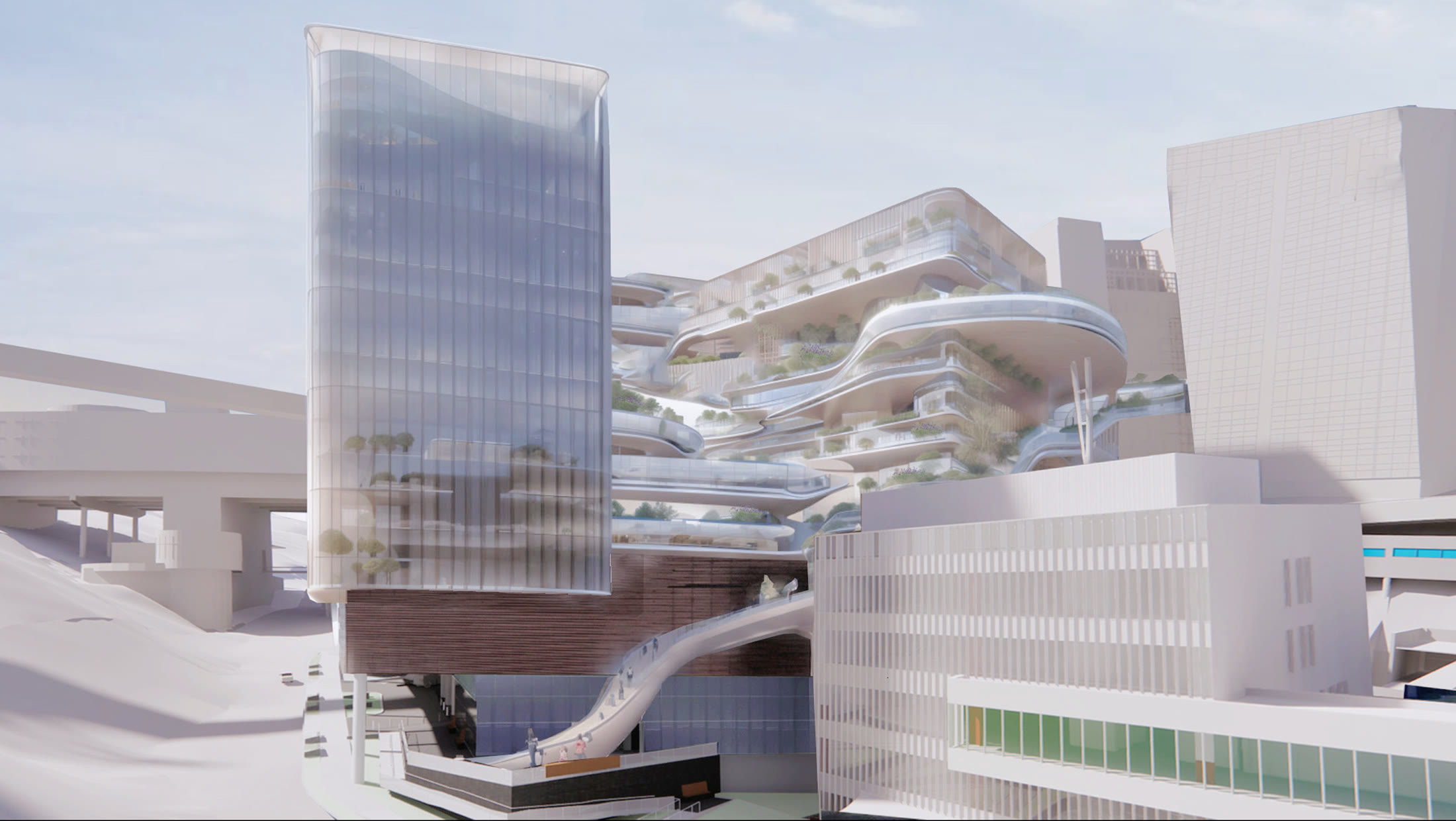
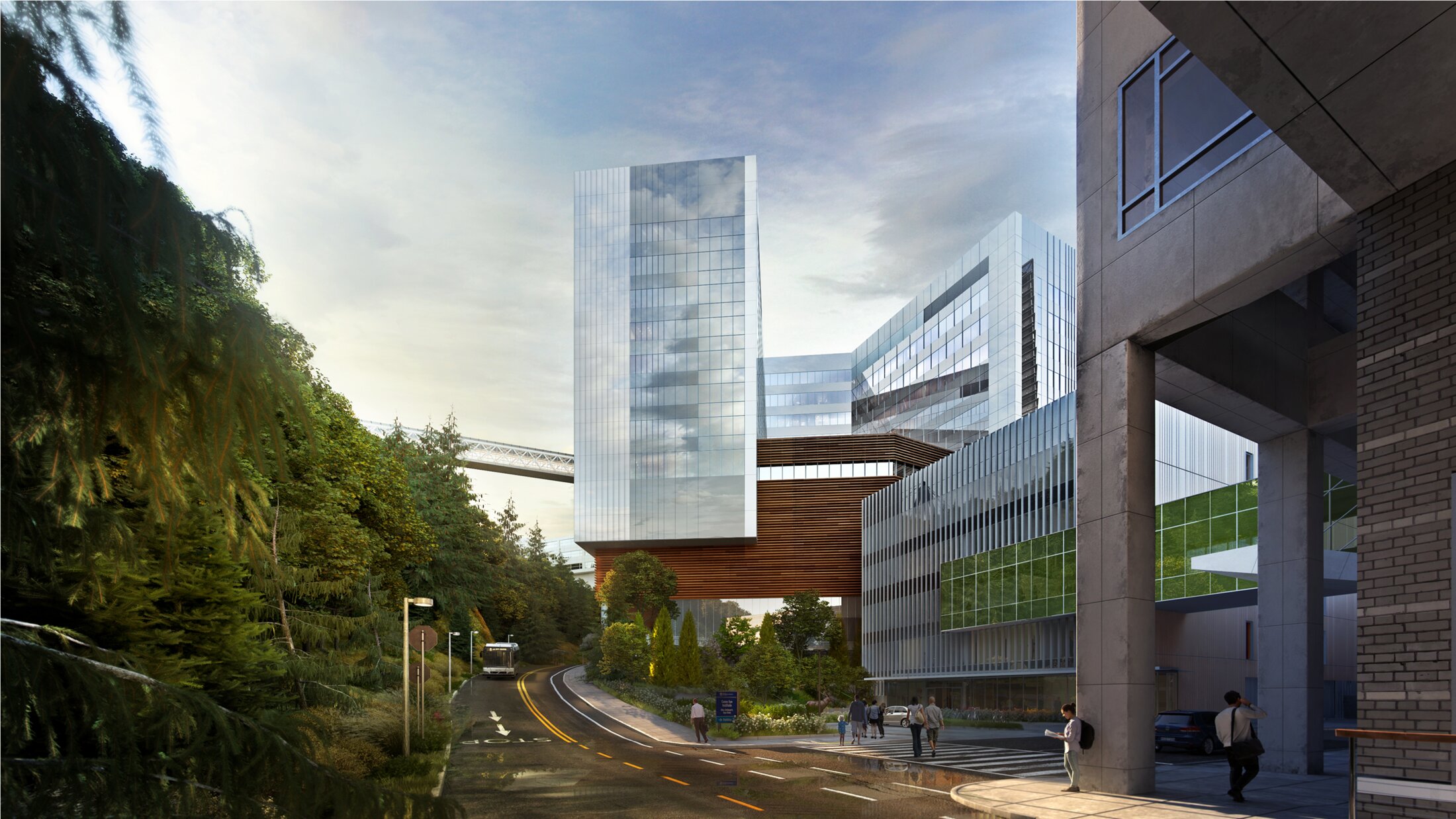
That speed applied to the whole building too. Here is the workflow's render of the full building, next to what the traditional pipeline produces after days of specialist work.
05. The impact
Because it ran on the shared machine and lived as a reusable ComfyUI workflow, it became something the team could pick up. Designers in the studio tested it with me, and I went back and forth tuning how well a given LoRA fit the look they were after. What began as a way to save my own deadline became a shared tool. I showed it to other architects and it caught on, because it cut their rendering turnaround dramatically and let them iterate on look and feel in real time.
Physical Installation: BNY Headquarters
The other half of my summer happened on site, in a server room and on a lift.
If the AI workflow was the experimental, software side of the summer, the BNY project was the physical, in-the-room side. I supported one of the studio's experience design projects that actually shipped, the executive suite at BNY's New York headquarters. It has curved light strips, motion-driven content, a digital Story Hall built on transparent OLED displays, and a 17th-floor auditorium where the structural columns are wrapped in seamless 360° screens.
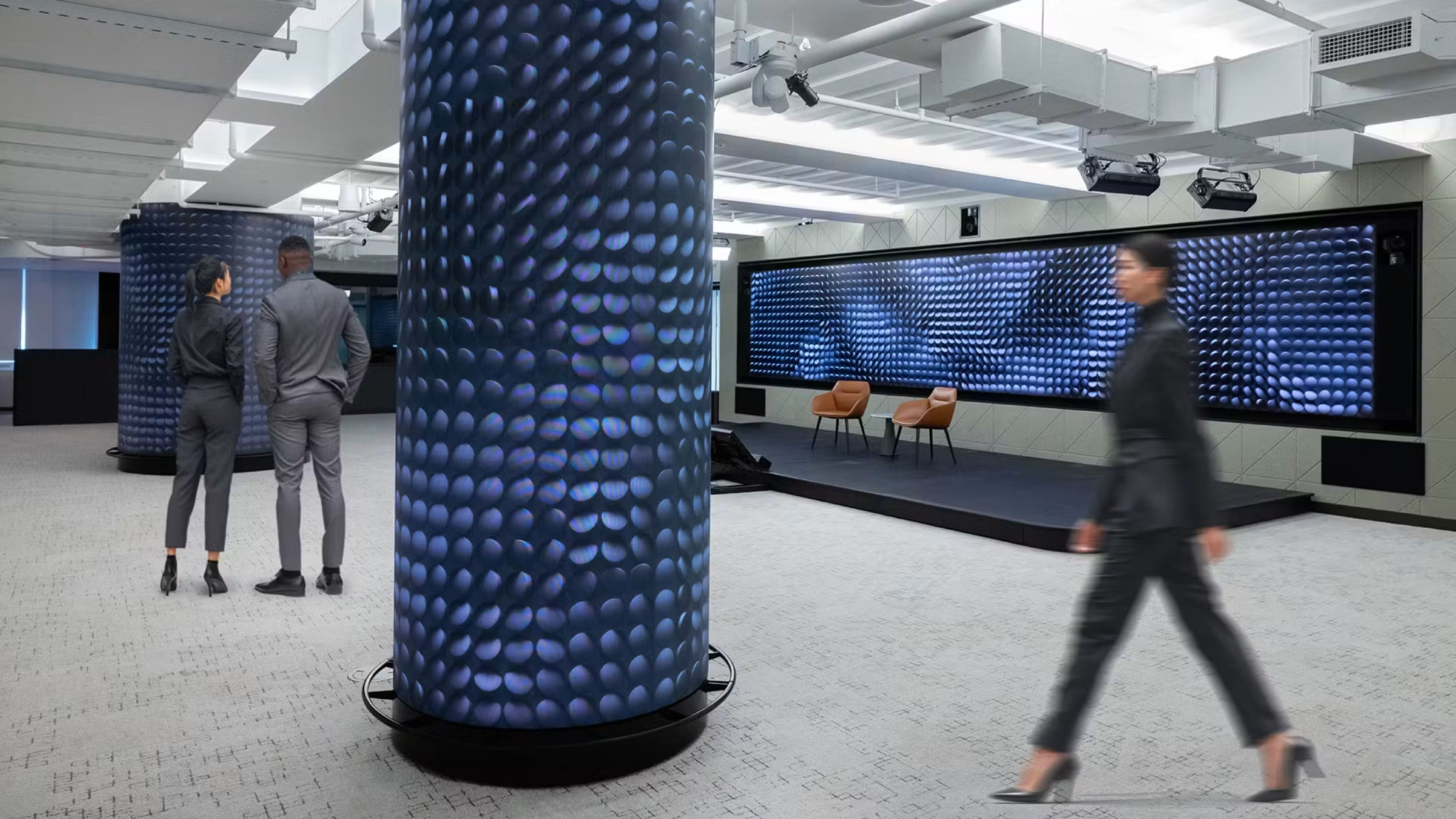
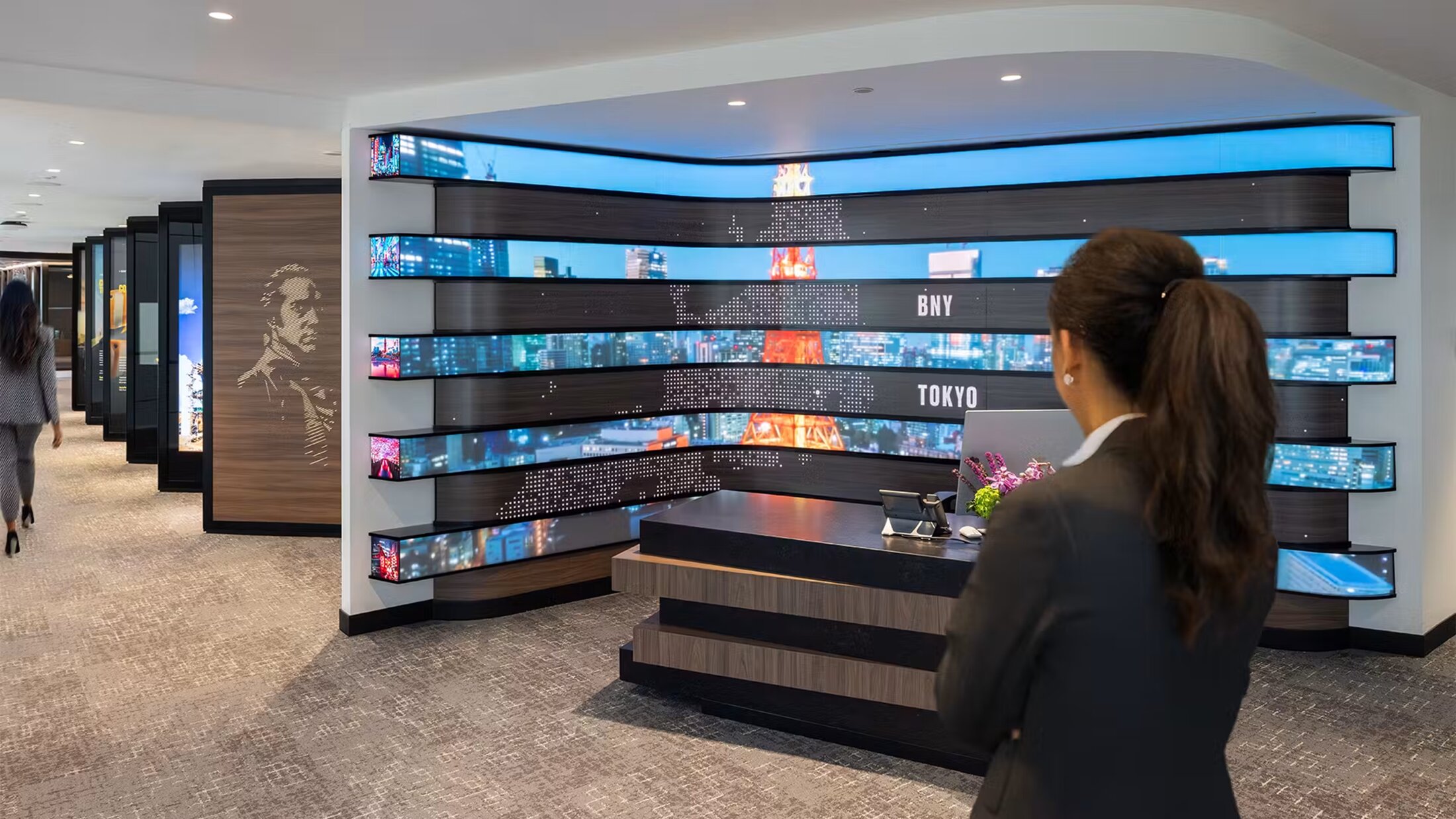
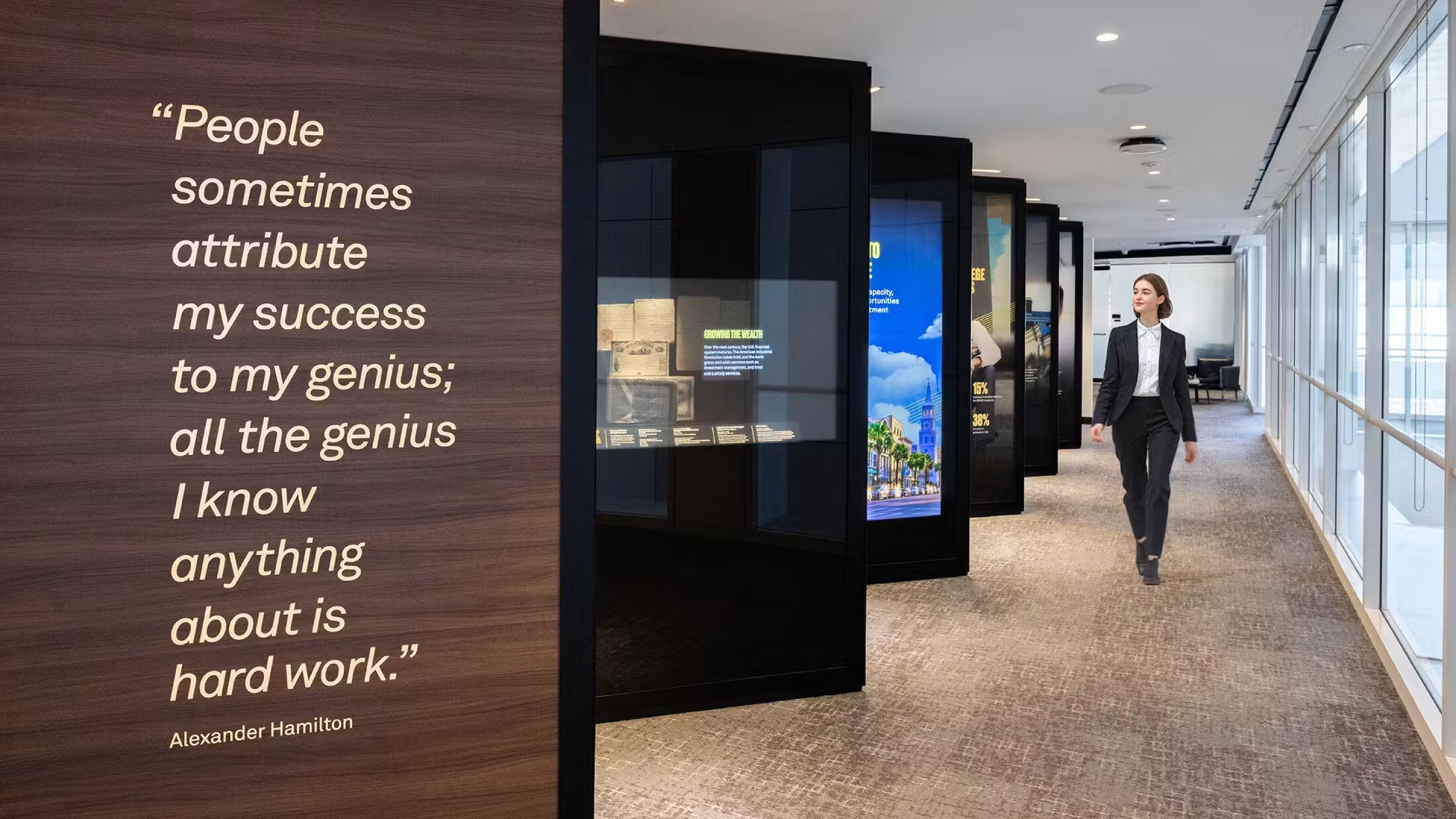
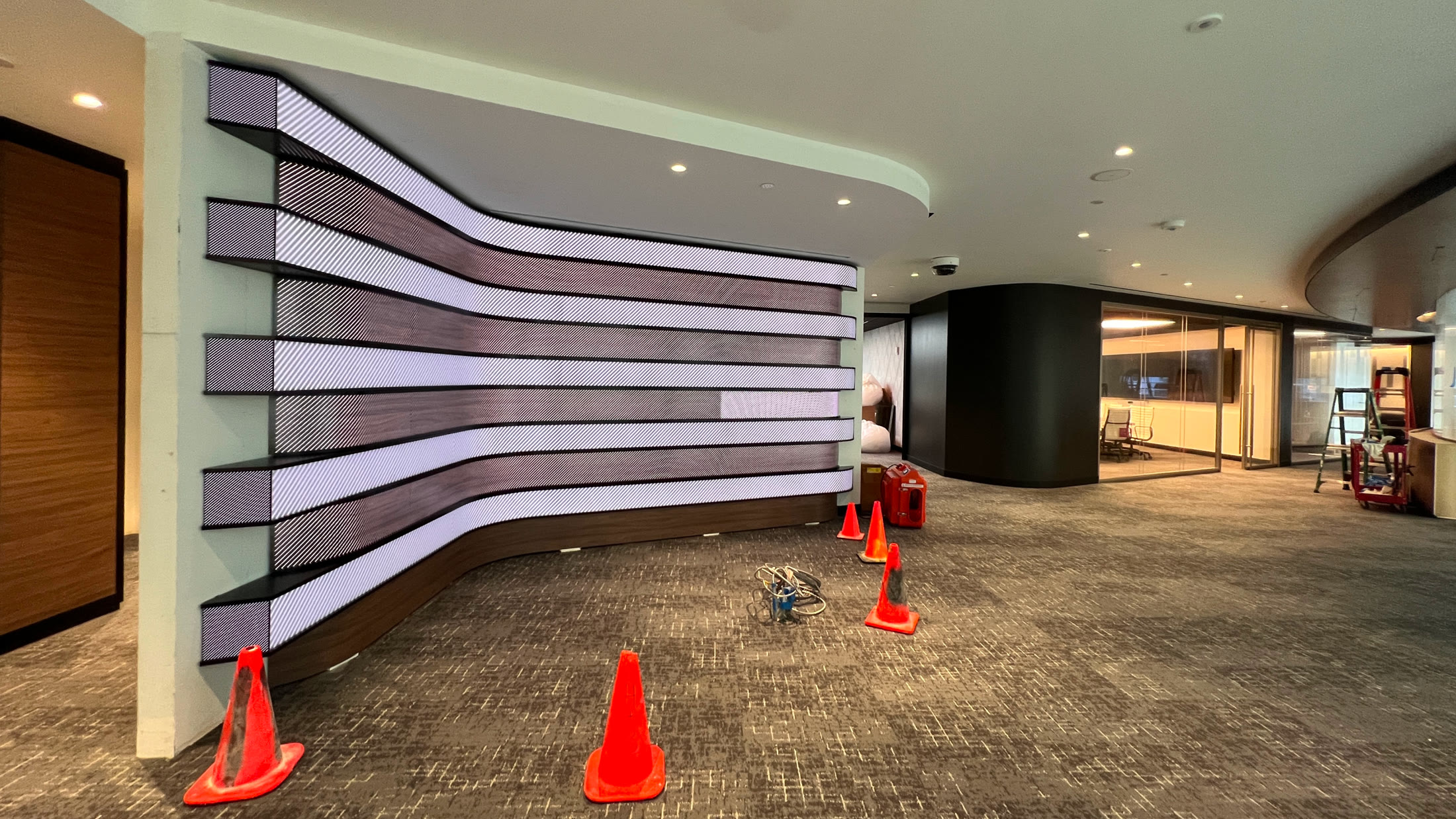
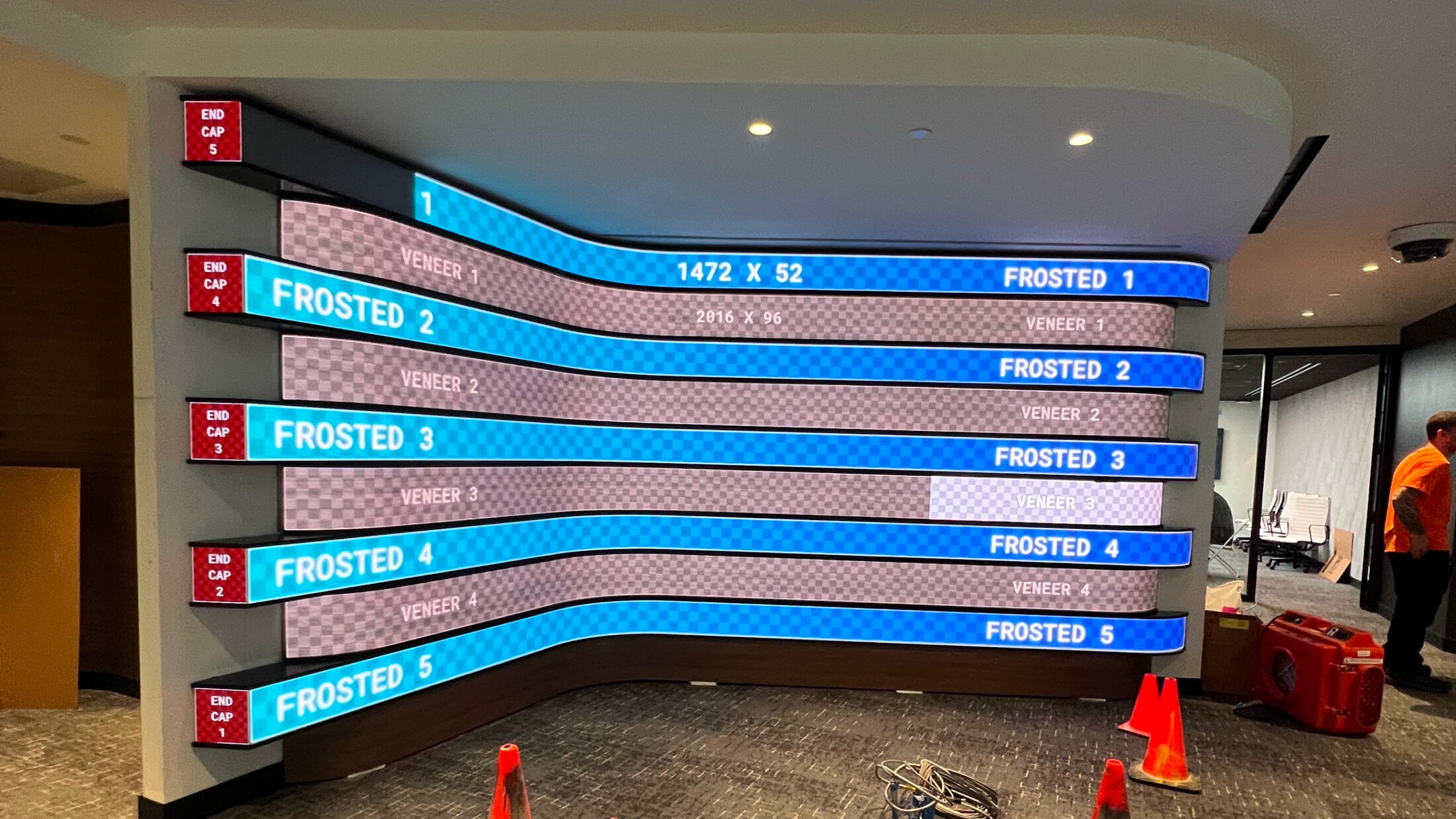
I spent most of my time on the install and the debugging, learning the parts of experiential media that only show up on site. TouchDesigner drove the interactions while a media controller routed content streams to each display, we built failover so the media never goes black after a power cut, and every screen still had to be physically connected, tested, and tuned in place. Much of that happened in the server room, where my mentor showed me how these systems hold together in the real world — my first end-to-end look at what it takes for a physical experience to run reliably, every day, for years.
Takeaway
A new tool only counts once the team actually uses it.
What connected both halves of the summer was learning to treat new technology as a real part of the designer's toolkit, whether that means generative AI for rendering or the unglamorous engineering that keeps an installation alive. A small workflow, shared with the people next to me, changed how a whole team worked.